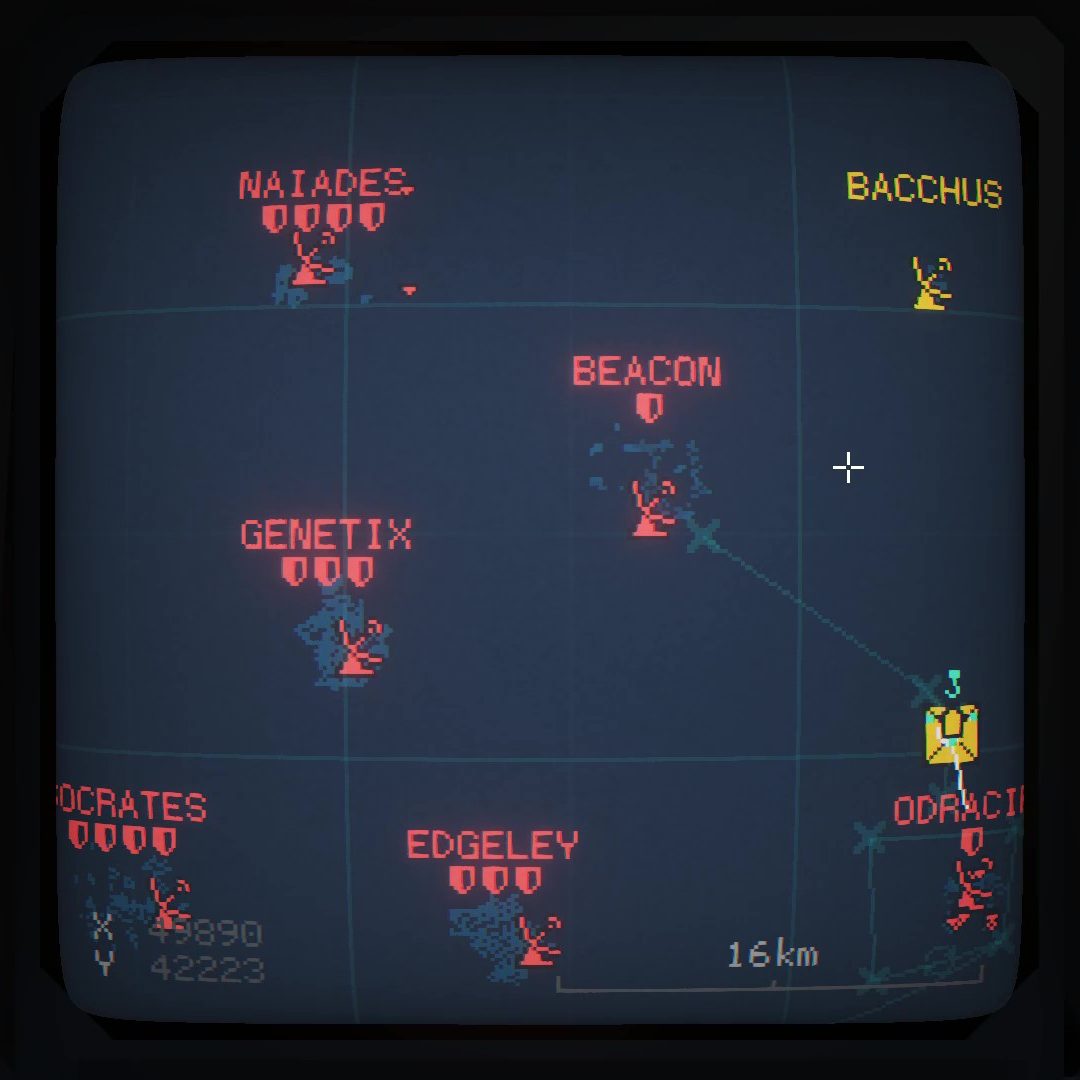

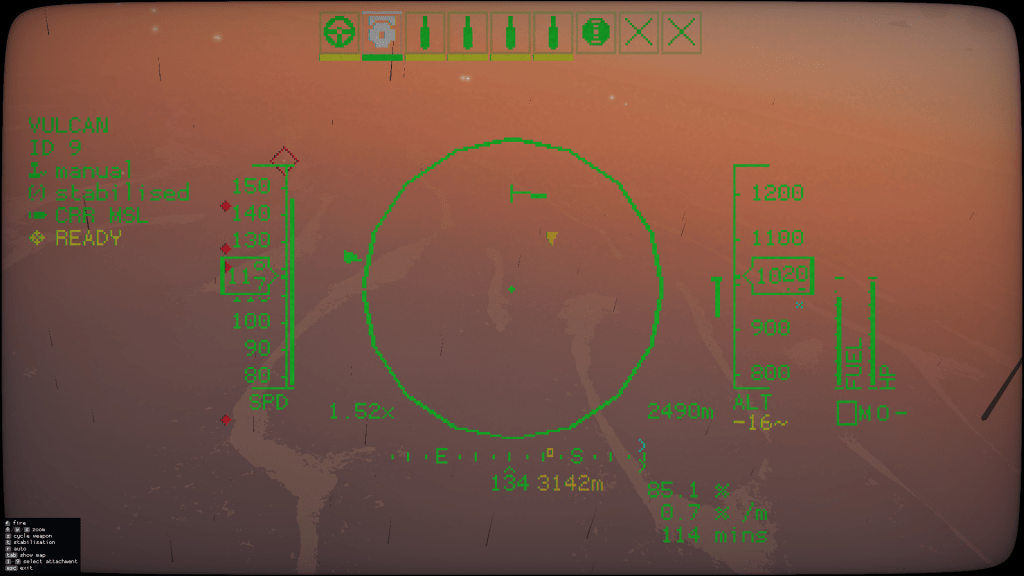
I found myself going back over my various approaches to showing waypoints in the HUD.
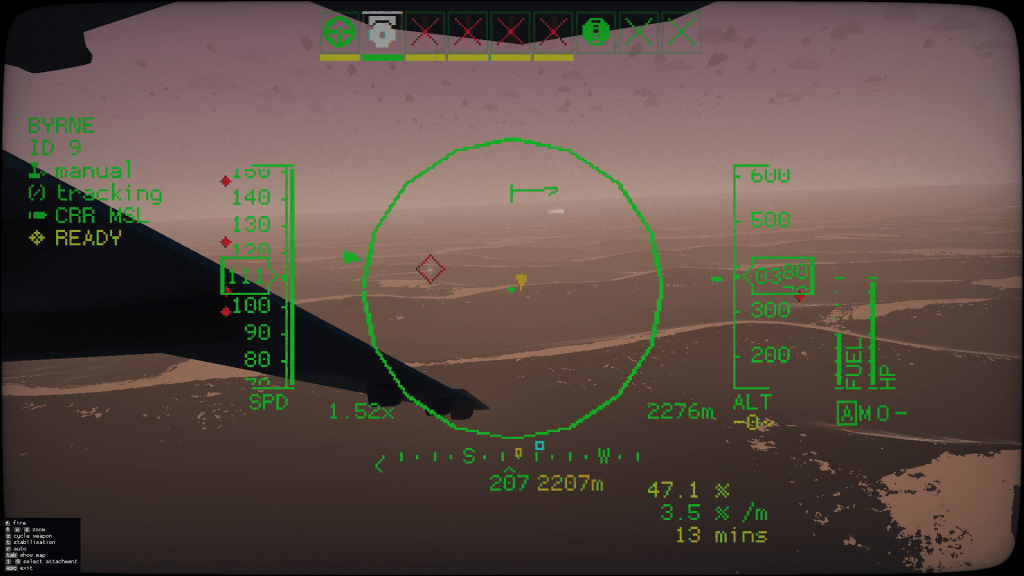
There were a few different things I attempted without much success.
- Store a waypoint in the clipboard and read it in the HUD?
- nope, HUD can’t read the clipboard
- Encode a waypoint using a large number of attachment slots set/empty as bits in the lifeboat.
- This did work… but it required me to use a lifeboat with 64 attachments. It was kind of crazy. I originally did this to encode the custom “Carrier Name” so that it was visible in the HUD.
- A cut down version of this approach is used now to encode a number the HUD can then use to compute the custom carrier name from the stored name list
- Store a waypoint as the floating point portion in the gamma setting
- The HUD can read the game settings, it needs to so it can know what style of mouse interface to display.
- I attempted this but couldn’t realiable squeeze meaningful values into the floating data (floats are low accuracy)
So, I kind of gave up.
Today I was trying to see if I could reproduce and maybe fix the HUD bug where sometimes if you use the actuated camera, the screen no longer renders the weapon hotbar or leaves the minimap always displayed. With some mistakes made the other day doing the CC64 games I wondered if the HUD code had accidentally not popped a level of the clipping/offset stack.
I couldn’t repro the HUD bug, but I did notice that the settings object returned by the update_get_game_settings() function was a lua table rather than a special object.
This got me excited! Maybe I can add new items to the table and read them in the HUD?
Sadly nope, I could set stuff but the HUD never got the memo. I decided to print all the other things in the table to see if there was a free string or some other value that I could use that could be harmless for game settings and be read in the HUD.
I found that the pending width/height values for the screen resolution settings can be set to any 32bit signed int! Excellent!
So, now, when you are sitting at a control screen and controlling a unit, if your unit has a waypoint, then we store it’s world coordinate in the pending screen resolution values, read them back and do stuff with it!
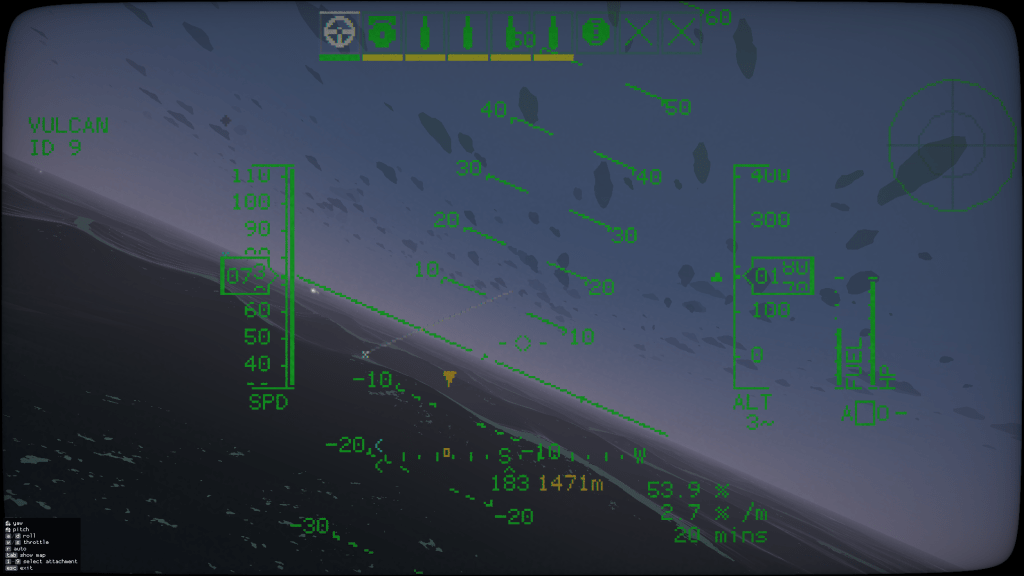
I now render a yellow square on the compass band, and a yellow distance.
If the waypoint is within 9km, we also get a nice marker triangle on the spot on the ground!
I’m super pleased with this even though this is a pretty egregious hack!
 CC2Maps.com
2 responses to “HUD Waypoints”
Commitment paid off, well done! Am excited to see these hacks in action!
LikeLike
[…] the HUD waypoints feature is NOT enabled due to this causing games to crash when loading […]
LikeLike