
My PC isn’t new. Which is a bit of an understatement
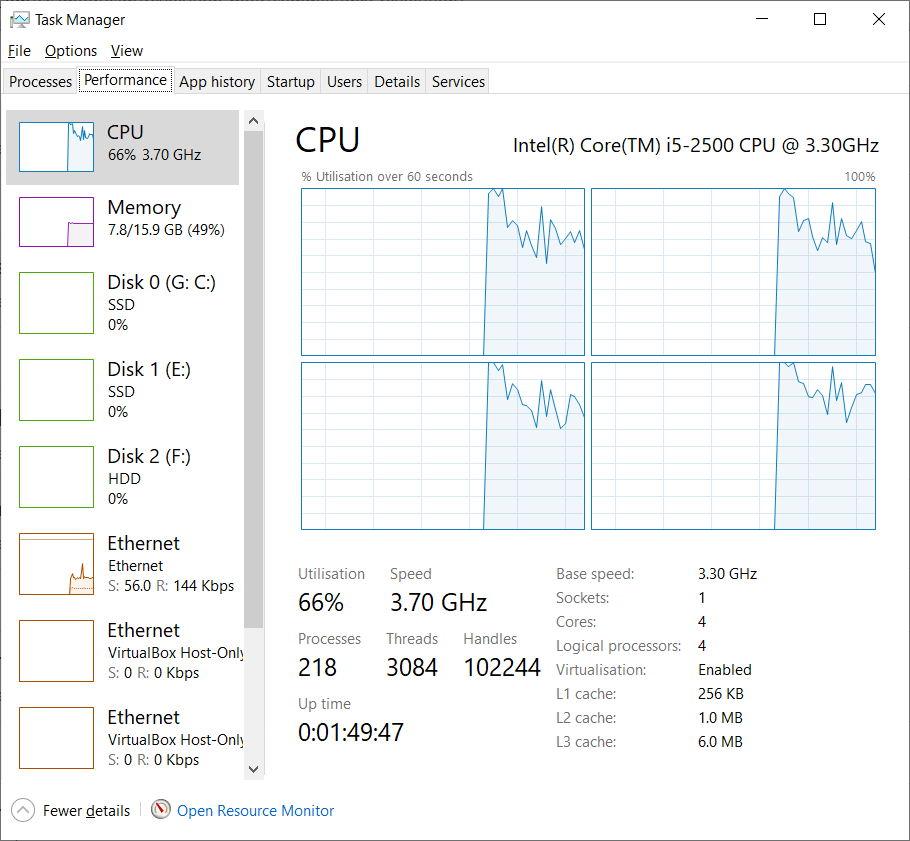
My CPU, the i5-2500 was first released to the public in 2011, The GPU, an Nvidia GTX 970 was first released in 2014. My GPU is still pretty good, I can play Elite:Dangerous in 1080p. But it’s not NEW.
On paper it’s still better than todays entry-level GPUs (the kind you might get in a £400-ish entry-level “Gaming PC”.
So, when I work on mods for CC2 I REALLY do not want to waste CPU or it will ruin my own game experience as well as others, more so for me!
Before I started on Rev 1.5 we (Geometa and myself) were looking at what might be the cause of some in-game lag seen in the larger multiplayer games. Mods, particularly Revolution and Tacops are a potential cause of “lag” for players. Generally, without mods the game is pretty darn smooth, so it was worth understanding more here.
How can a mod cause lag?
At a veeery high level there are 3 kinds of mods:
- cosmetic
- physics / environment
- scripting
“Cosmetic mods” are ones like new sounds, updated textures, kit-bashing or new vehicles visuals to make them look different. They don’t really contribute to lag during the game, though very large sound files can lag when downloading from the server.
“Physics” mods are the kind that change the vehicle movement and terrain. The larger-islands mods can impact performance simply by having more terrain to generate. The missile speed and aircraft speed mods can impact performance if they add more meshes, boxes and buoyancy objects. My theory is that cases where all players get lag equally may be due to the dedicated server having to do more physics. But we don’t see this often.
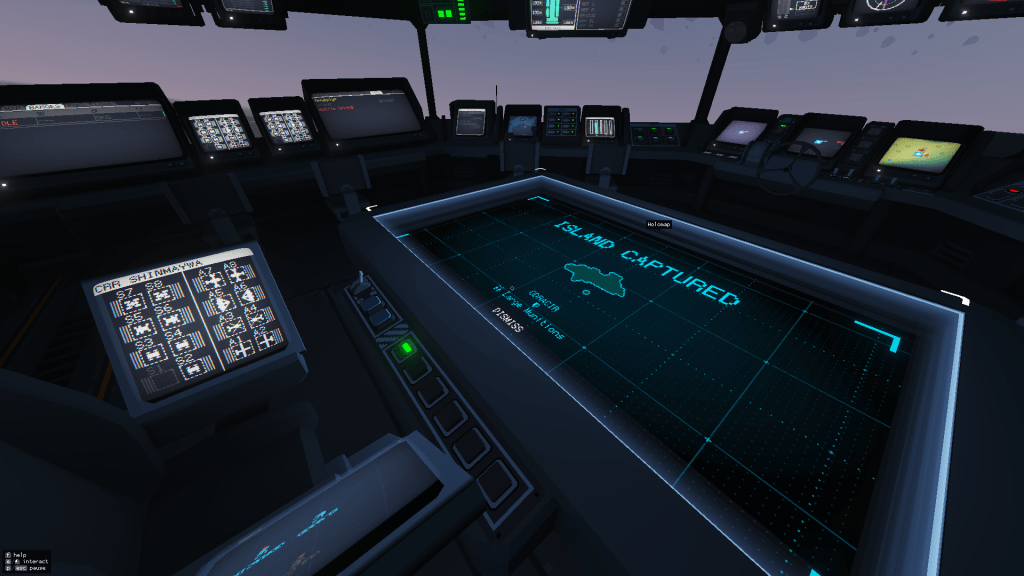
“Scripting” mods (like Revolution) are I think were you get the greatest chance for lag. Especially the kind of lag that only impacts a few players, or gets worse when the action hots up.
Each screen runs in a lua interpreter sandbox. Each screen you put into the game has to be executed and drawn every frame. Each input (mouse position, button press) you make on that screen gets transmitted to all the other players on your team (this is how you can look over someone’s shoulder and see them control units or use the holomap)
The more screens you have, the more CPU work required to update them each frame, the more memory is used etc.
If your script does something expensive, and does it often it can noticeably slow the game down to a crawl because it has to execute your script before it updates the screen.
The various screens on the carrier update at different rates. We can lessen CPU usage by setting the refresh interval for a screen to only update 10 times per second instead of 30. Or if the display is unlikely to change we can go even lower.

The Revolution Torpedo inventory screen only updates once every 2 seconds
If like me, you decided to do something a bit unusual (and have it happen on EVERY SCREEN) you can see how CPU usage starts to get more important.
If the bridge has 5 control screens and the tacops bay has another 3, then since control screens are set with the lowest delay (execute 30 times per sec) the update() function of your control screen script gets executed 240 times per second!
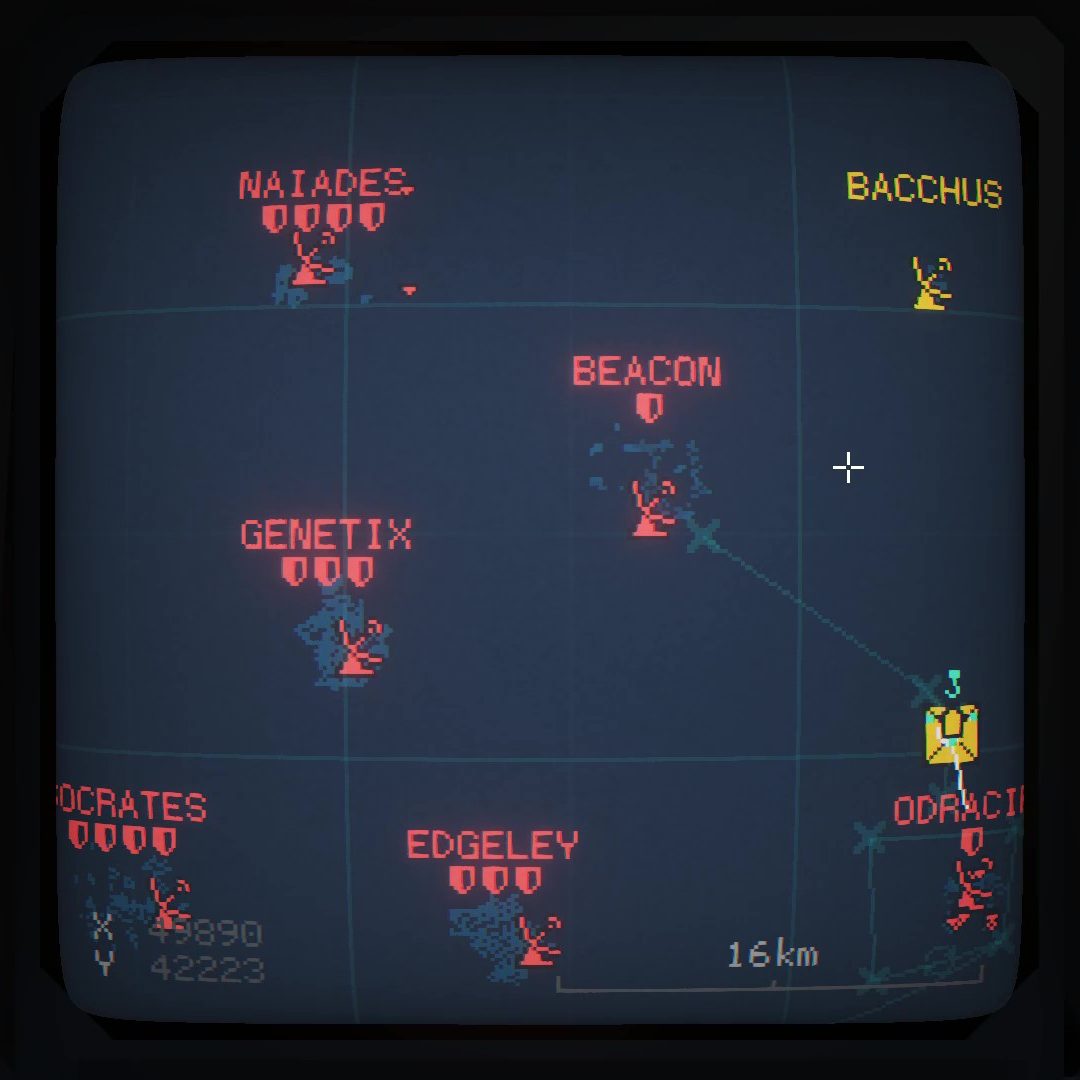
When Rev 1.1 came out I made a big thing of the needlefish getting a kind of “RADAR”. Each fish acted like a slower, wetter AWACS.
The way I had to do this back then was, for every needlefish on my team, I had to find all the other air/sea units within 10km. So if there were 20 ships in the game, and I had 1 needlefish, my lua code would measure the distance between ships 19 times. If I had 2 needlefish, this would be 38 times, etc. You can quickly see how “find all the ships near any of my ships” can balloon into a lot of processing. I also had to do the reverse so that my units could show the “detected” ! mark when other player needles could see my units
For this to be playable I had to limit the amount of work done each update. I figured that ships don’t move very fast, so I could run the “where are things this ship can see?” loop less often. I used a technique we in the biz call “memoization”, Where I work out the answer and save it to memory, and then only update the search when I feel like the result is too old. This simple idea saved the day, instead of 240 times per second, the loop was now down to once every 2-3 seconds.
But, march on to end of 2024, and we have a lot more going on our games, servers are often full (24 players or more). Logisticians have become more adept at supplying vast numbers of units to teams, and there are now mass air strikes (often 8 or more aircraft at once). The amount on the map to deal with has grown a lot.
I had noticed in videos recorded by some other teams that some players would show a brief stutter, at first I put this down to the overhead of recording, but I began to notice it myself (albeit with my development env running at the same time) so decided to investigate. Geometa put me onto the Lua being a possibility again after we ruled out server performance.
Loosely, the game loop has this sort of timeline:
- new frame/tick
- recieve updates events from the server/host
- compute physics (bouyancy, waves, collisions, flight)
- run the lua scripts
- do nothing until the next frame
In this case, it turns out that my memoization was working well, but now that there was so much going on, so many more units (and actually more screens due to tac-ops) that update every 2-3 seconds on some PCs (mine included) could take long enough to delay rendering of the next game frame, causing a stutter occasionally.
If this stutter was bad enough, it could cause lag for a player by occasionally putting them a frame or two behind the others.
Performance Enhancements
When recording a game in OBS there is a lot of CPU going into that so we did still see lag spikes, just less often.
I made several passes at trying to solve this.
Divide and Conquer
The first rule of optimisation is “do less stuff”
The first improvement (in rev 1.4 already) that benefitted this was spreading the work out over several updates rather than once every few seconds. I change the memoization function to do air units in a different tick than it would do sea and ground units. This essentially cut the cost of the update in half and seems to have cured the lag in many cases, but was still close when there were a lot of units in a big game.
Our Trickys games did not get this fix applied until May 2025. Steam got this fix mid March 2025
Low Level
I began researching and found some usful resources:
These were very useful, but CC2 lacks the os lua module so I was unable to call os.clock() to measure execution time. I did have some brief fun counting the number of function calls per frame. So I could at least see which things I might think about optimising.
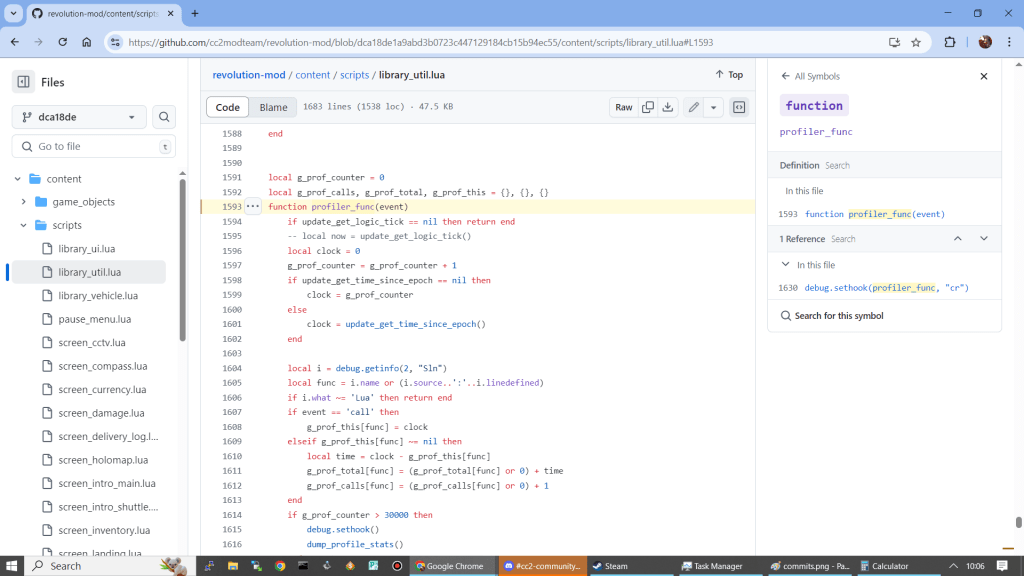
There were two very useful and significant tweaks I got from these pages:
Calling native functions is not always faster!
x ^ 0.5 -- is faster than doing math.sqrt(x)Doing a lot of distance calculations we make heavy use of Pythagoras.
c = math.sqrt(a*a + b*b)is actually slower than doing:
c = (a*a + b*b) ^ 0.5Do this 200 times and the benefit adds up.
The stack is fast and looking up in tables takes time
Every time you use the dot (math.floor(), math.tan(), math.cos() etc) lua has to look up the ‘floor’ function in the ‘math’ module table. This is very fast, but again, do this 1000 times and the cost adds up.
Lua is a “stack machine”. Access to things on the stack is very fast, so we can just do these lookups once.
local math_floor = math.floor
local math_sin = math.sin
And then, simply calling math_sin(x) or math_floor(x) is a little bit faster! Applying this in other scripts potentially gives me the chance to reduce the CPU usage of the HUD too which makes a lot of use of the math functions.
The same is true for accessing globals. If you have a global variable, like a table that you want to access a lot. Then you save more time by making and using a local reference to that table, eg:
    local seen_by_friendly_radars = g_seen_by_friendly_radars
    local seen_by_hostile_radars = g_seen_by_hostile_radars
    local all_radars = g_all_radars

    for i = 0, vehicle_count - 1 do
        local vehicle = update_get_map_vehicle_by_index(i)
@@ -1181,38 +1188,37 @@ function update_modded_radar_list(hostile_only)
                    end
                end
                if radar_type ~= nil then

                    local vid = vehicle:get_id()
                    all_radars[vid] = {
                        id = vid,
                        type = radar_type
                    }
I’d really gotten into this optimization kick at this point. There was more I could do!
When our radar update code looks for things to think about, it computes the distance between two points on the map. There are helpful vec2_ funcs in the in-game lua library.
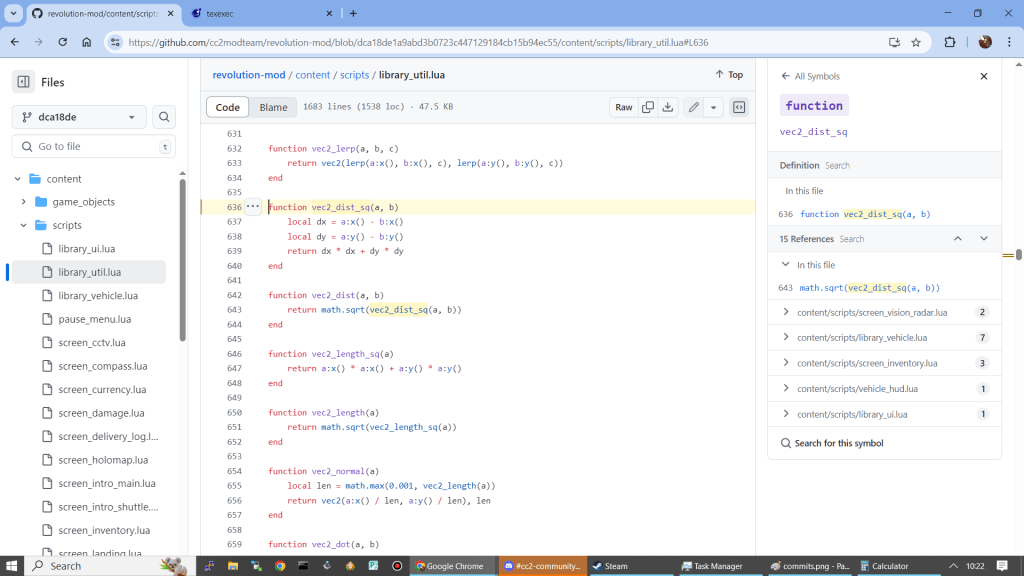
Originally my code for finding “is this in range” was similar to
function is_within_range(unit_a_pos, unit_b_pos, range)
    local dist = vec2_dist(unit_a_pos, unit_b_pos)
    return dist < range
end
the vec2_dist() function calls math.sqrt() which is costly.
I don’t actually care about the real distance value, instead I only need to know if its within a range. So I can avoid the sqrt (Geometa already realised this so provide the vec2dist_sq() function. So some “is this in range” code becomes faster with:
function is_within_range(unit_a_pos, unit_b_pos, range)
    local range_sq = range * range
    local dist_sq = vec2_dist_sq(unit_a_pos, unit_b_pos)
    return dist_sq < range_sq
end
But. Could I get faster?
The vec2_dist_sq() function is defined as:
function vec2_dist_sq(a, b)
    local dx = a:x() - b:x()
    local dy = a:y() - b:y()
    return dx * dx + dy * dy
end
It involves 4 method calls, one for each axis on the position object. Method calls are slightly costly because vec2() (I think) wraps a C/C++ object. Making the x() and y() calls crosses out of Lua into the C++ code. This is going to cost much the same way as math.sqrt() is more costly than x ^ 0.5
Could I avoid some of these calls?
Remember my use case of “is this within range”? I only need to know the accurate distance if it IS within range.
function fast_dist_sq(a, b, lim)
    -- compute a low fidelity distance for things far away,
    local dx = a:x() - b:x()
    local dxsq = dx * dx
    if dxsq < lim * lim then
        -- x is within lim km, compute the rest of the distance_sq
        local dy = a:y() - b:y()
        return dxsq + dy * dy
    end
    -- far away, just give a lowfi distance
    return dxsq
end
I’m not sure how much better this is, but for units at positions that are far away on the X axis this only requires two x() method calls. For my radar scanning code I can more cheaply discard things that are far east/west of the radar I’m thinking about. For things nearer, I incur the cost of one if statement.
There tend to me more things far away than nearby, so this pays off.
Reading now I could probably optimise this further by computing the lim value before calling.
Was it worth it?
YES! very much so. The 1.5 branch of revolution now feels much smoother for me on my 12yo PC!
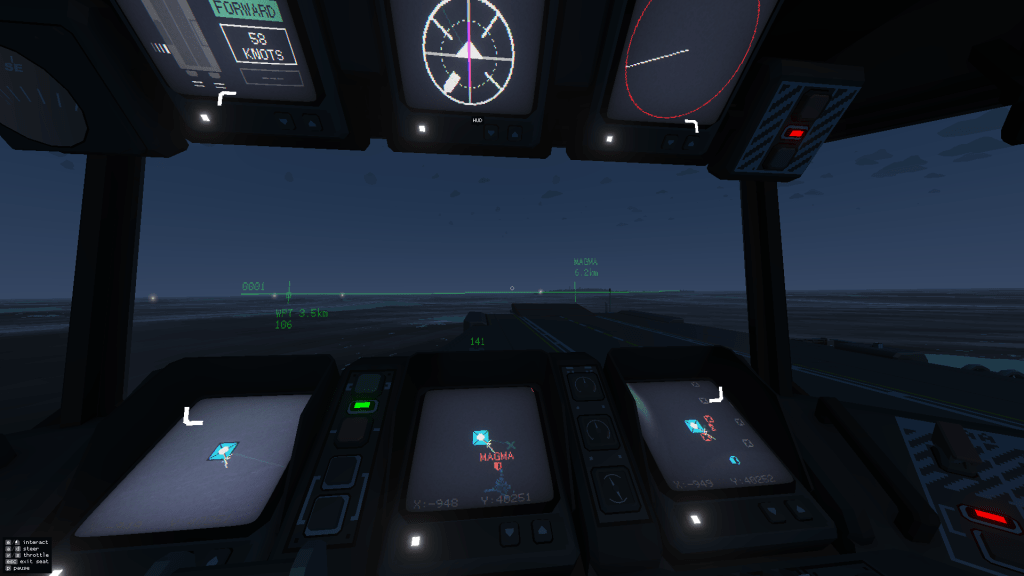
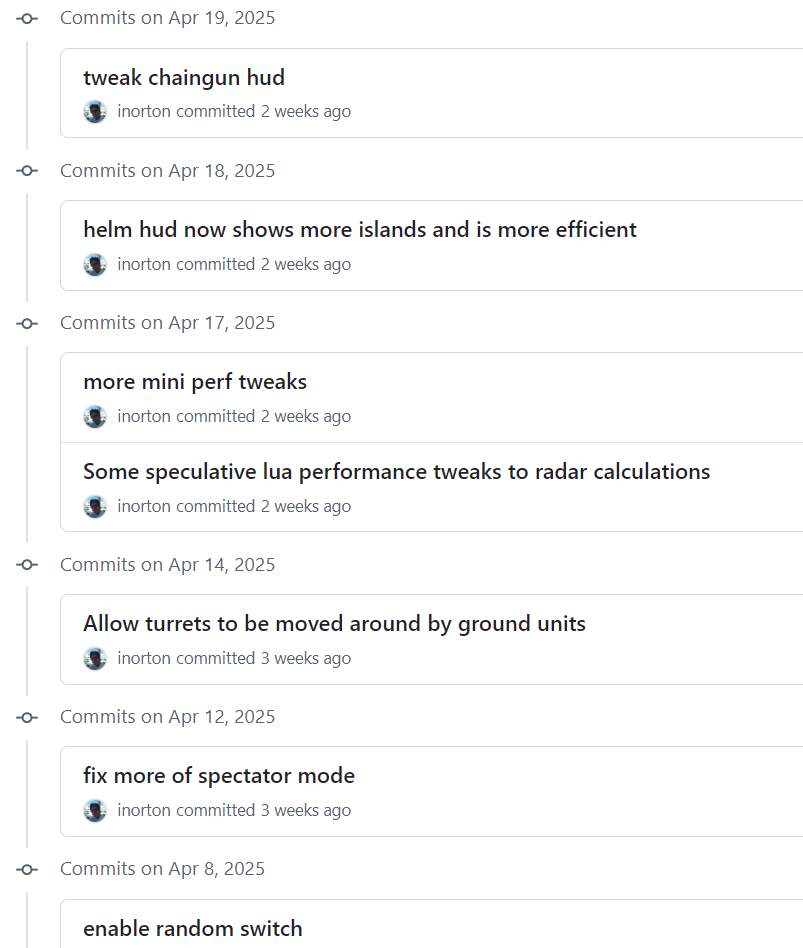
This not only means less chance of lag in big games, but gives me a little more headroom to try out MORE STUFF! One of which is the helm HUD in 1.5
 CC2Maps.com
One response to “Revolution and Lua CPU usage”
[…] on from my last two posts: Profiling CC2 Lua and Revolution and Lua CPU usage I talked about measuring the performance of my “do radar sweep” code. Specifically this […]
LikeLike