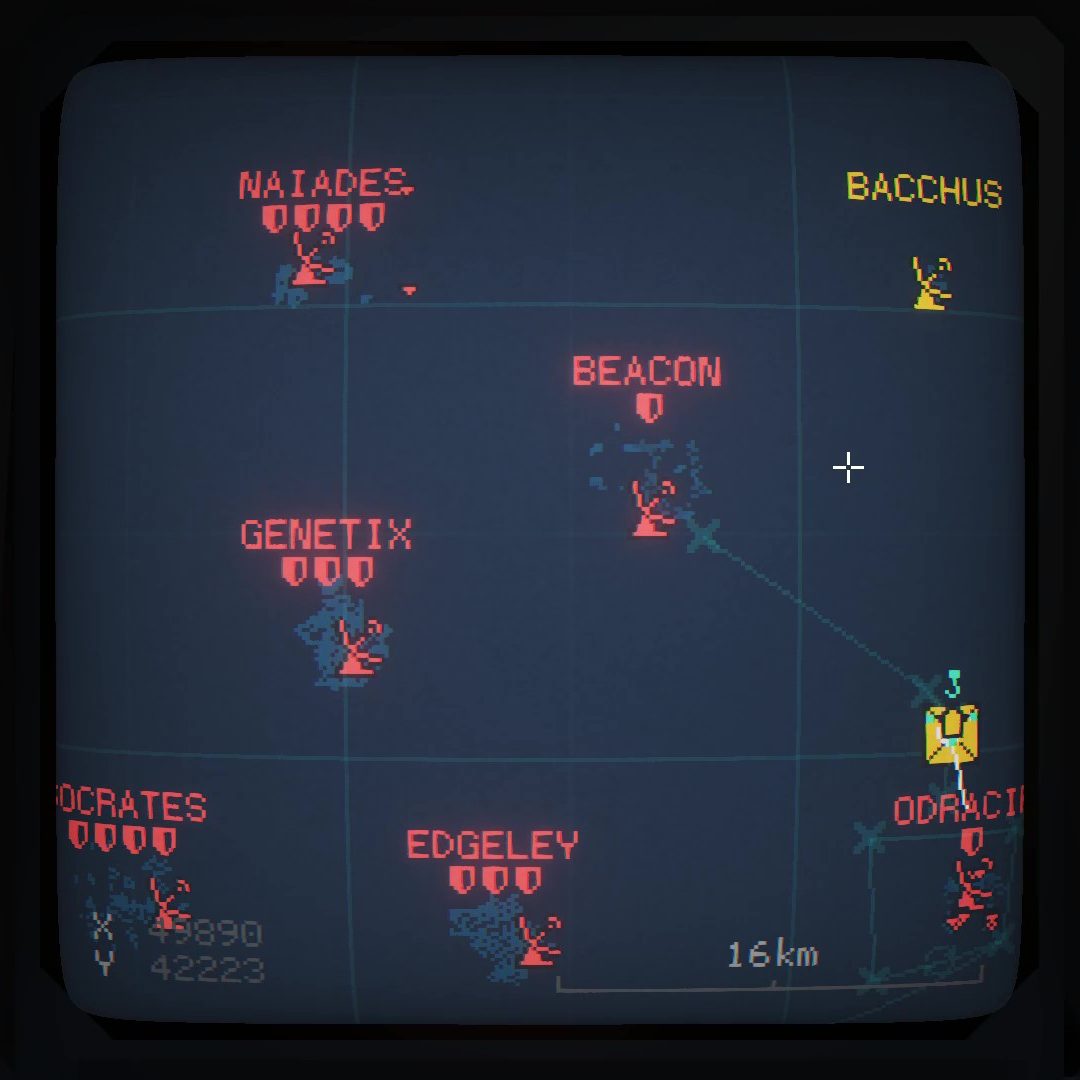

A long while ago I made a tacview mod for cc2. It worked but was very cpu intensive and required a special helper program to parse the output from the game lua mod.
The main drawback with the old mod was the lag that occurred when more and more units appeared on the map. With all that in mind, I have a new mod! It is both a lot more efficient and has lower overheads!

The best way get started with this is to use a “git bash” window.
Install git bash from https://git-scm.com/downloads/win
Then, locate your game folder. The quick way to do this is to open up steam and to visit the CC2 game properties tab:
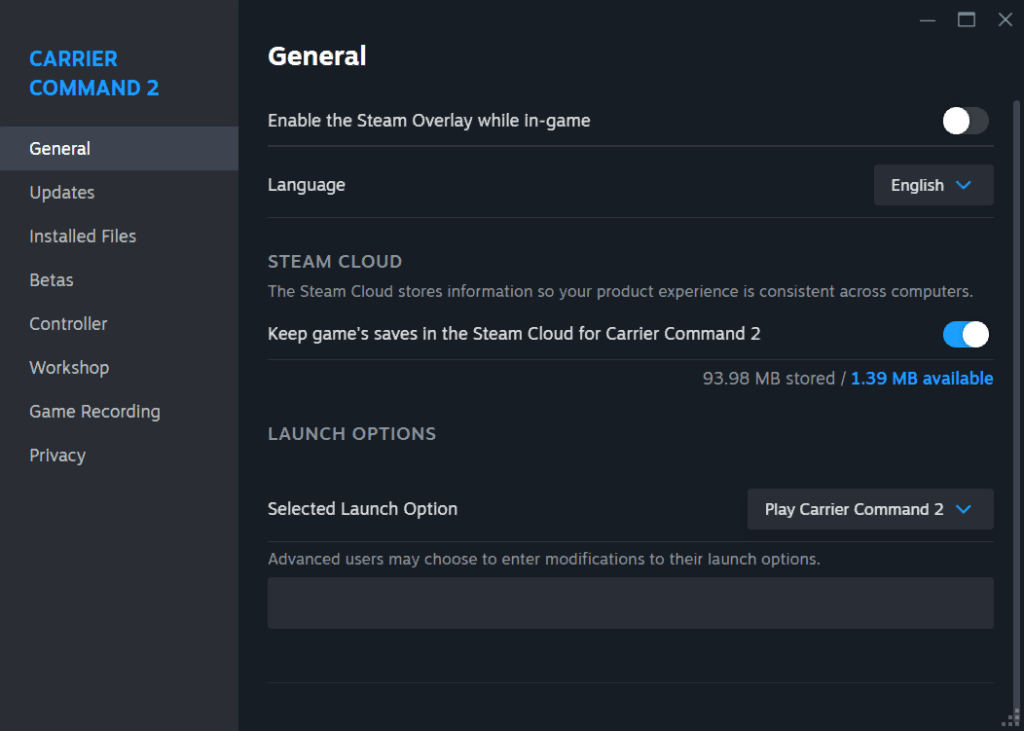
Click “Installed Files”
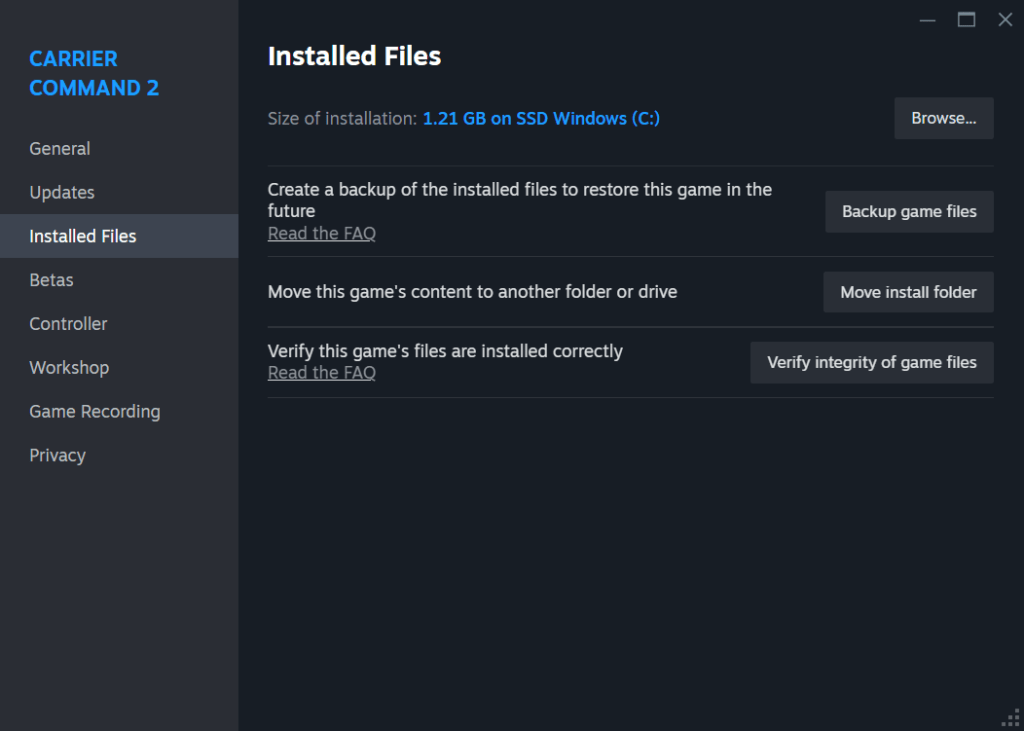
Then click “Browse”, and you’ll see the installation folder for CC2:
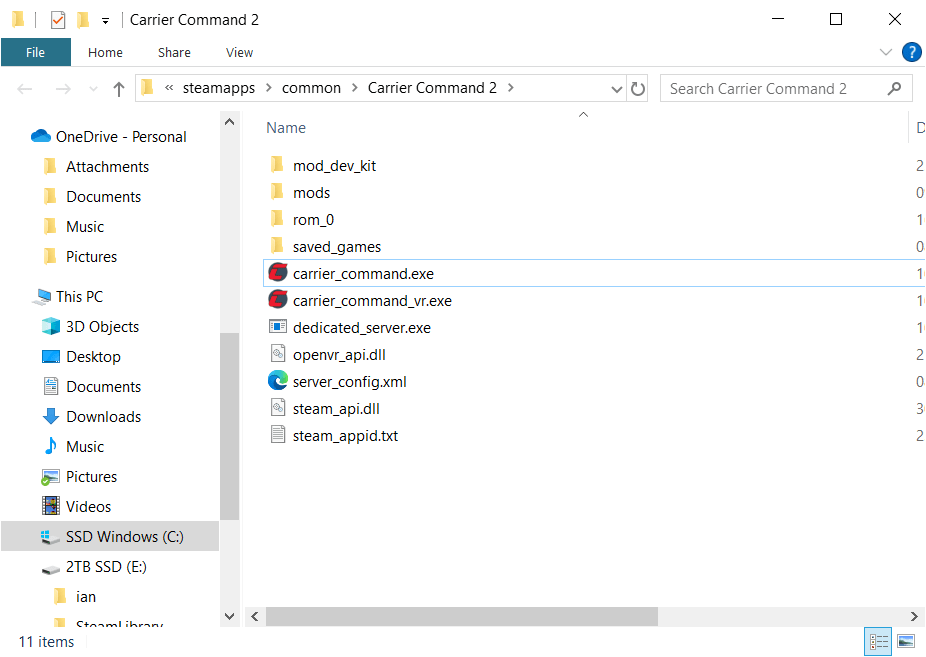
Now, the bit that most people don’t know! You can right-click on the window background, you’ll get a few new options in the popup menu:
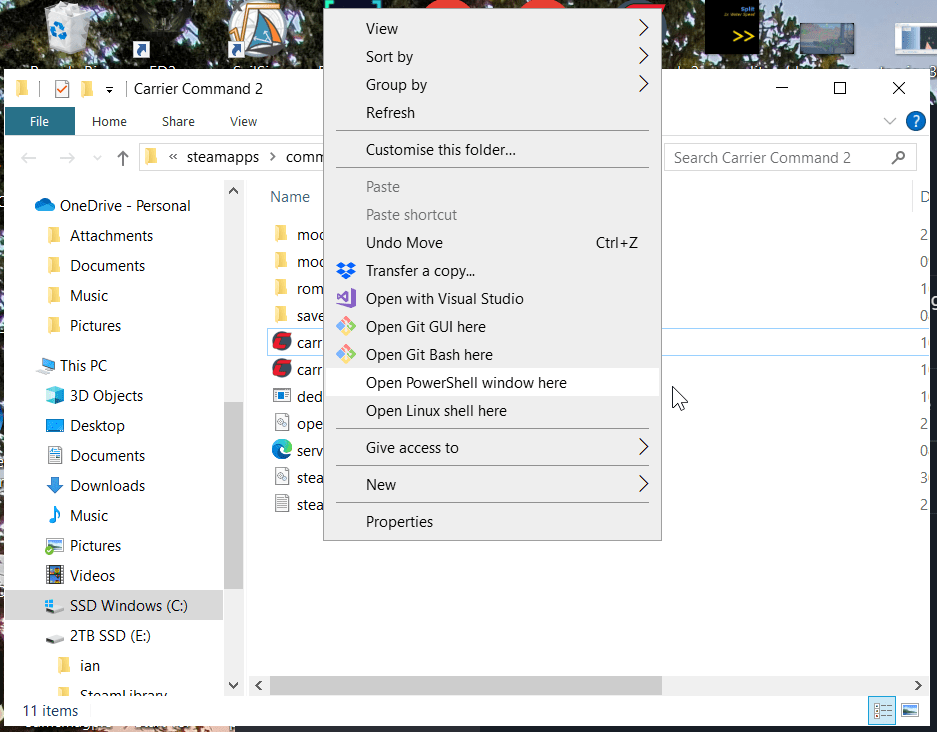
Click “Open Git Bash here”.
This will give you a handy window!

From here, you can start the game as a command line app. Doing this normally will allow any lua mod that prints output to show it in this window. The Tacview mod makes use of this output, but it’s only useful if you start the game and send the output to a new file. In the window type:
carrier_command.exe > game.acmiThen load your mod and start a game as normal.
NOTE. Tacview normally only supports one “mission” per file. So if you rejoin a server, or start/load other games with the mod loaded, you will have to cut up the resulting file into distinct missions before tacview will load them properly.
Each new mission starts with the text:
FileType=text/acmi/tacviewSo you simply load the file up in a text editor like notepad++, and then copy everything after this line (until the next one) and save it as a new .acmi file.
 CC2Maps.com