
Rev 1.6 introduces a shortcut for pre-set loadout options on some units.
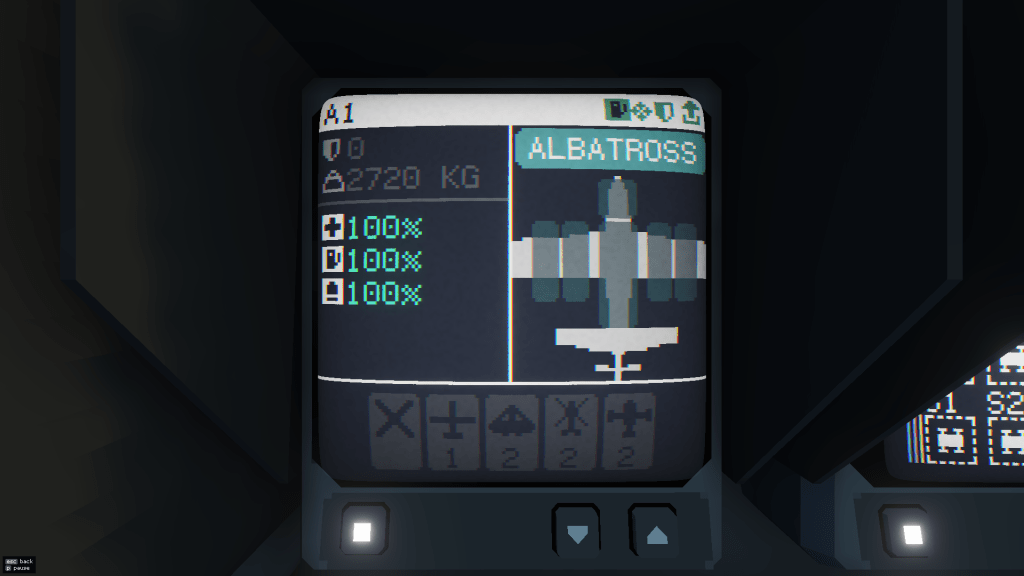
Some interface methods like VR pose more of a dexterity challenge than others, selecting new weapons for your Razorbill is significantly slower using VR or a gamepad than a keyboard+mouse user might achieve by default. The small number of loadout presets can help a little.

At the top of the loadout screen you will see several buttons:
Currently there are up to 5 buttons for each unit type. Refuel, Attack, Defend, Capture and Empty
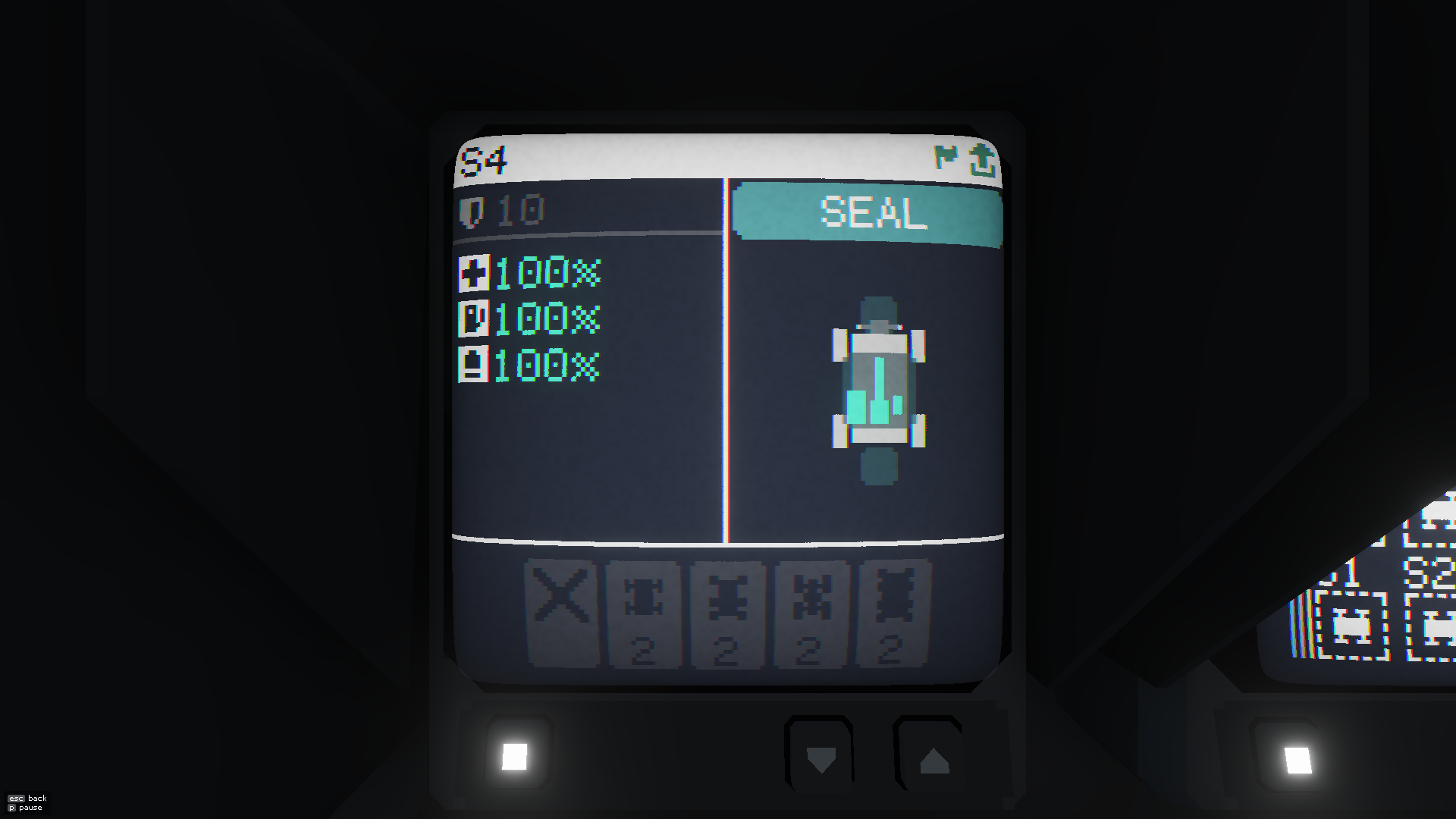
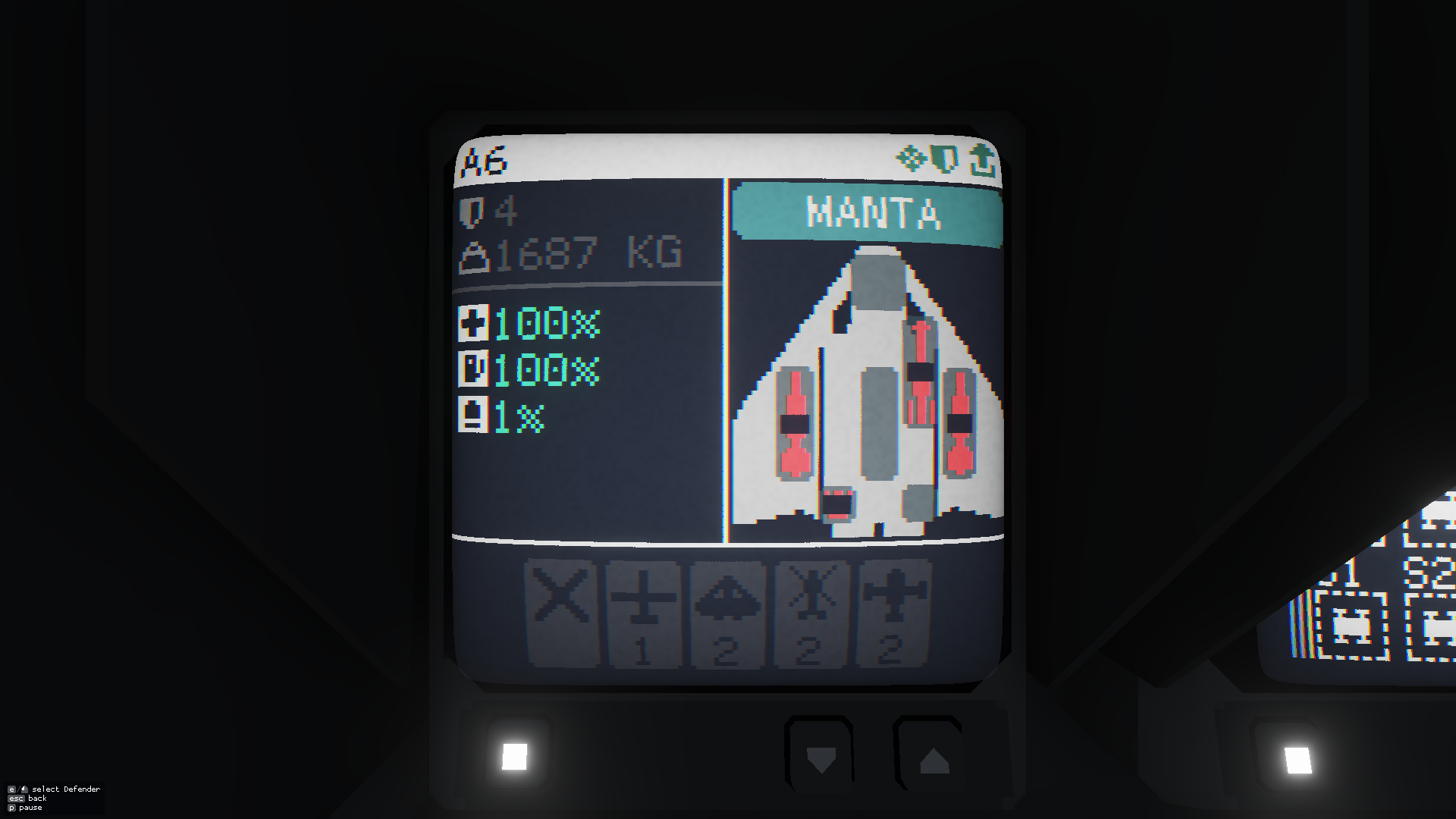
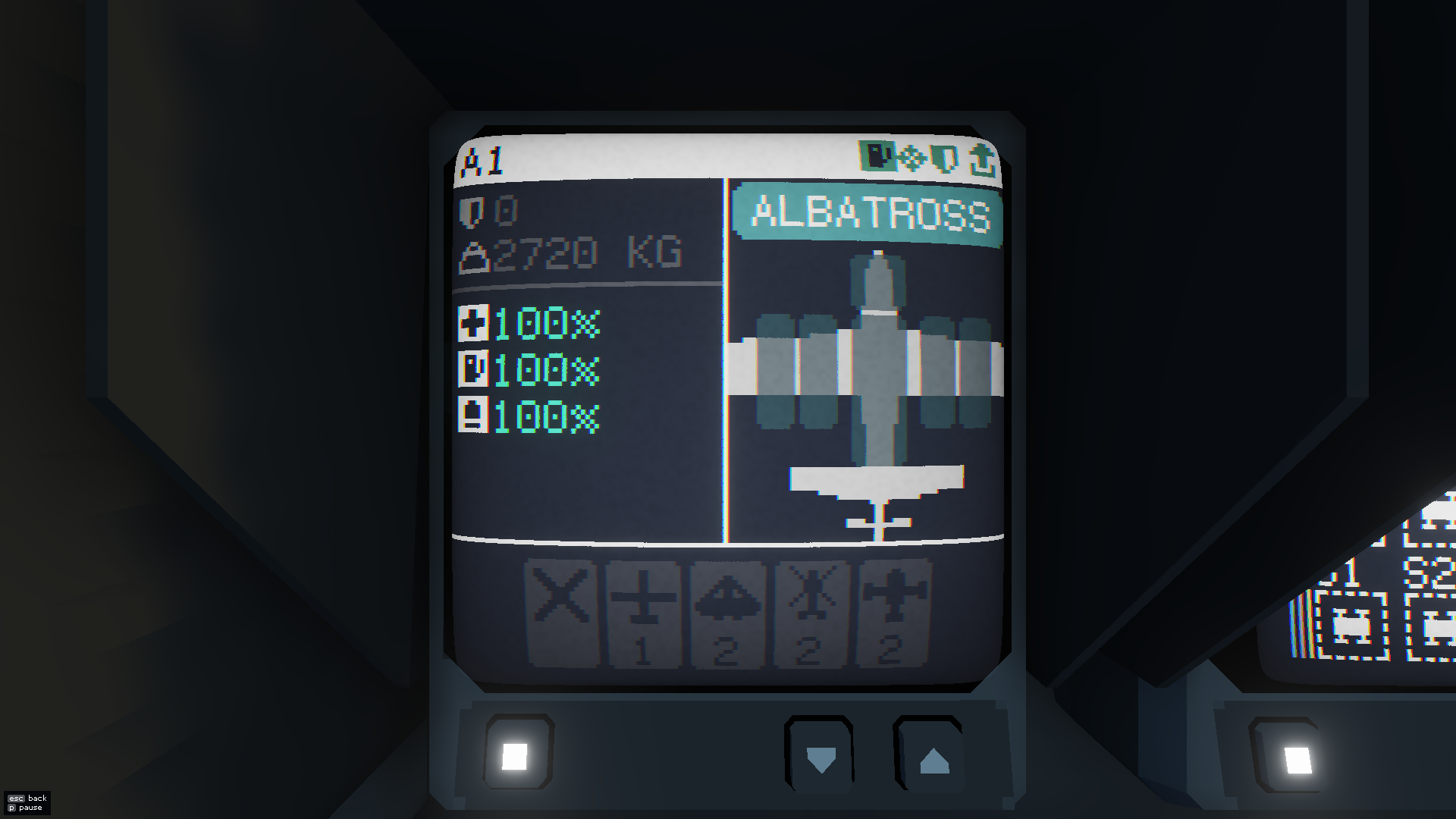
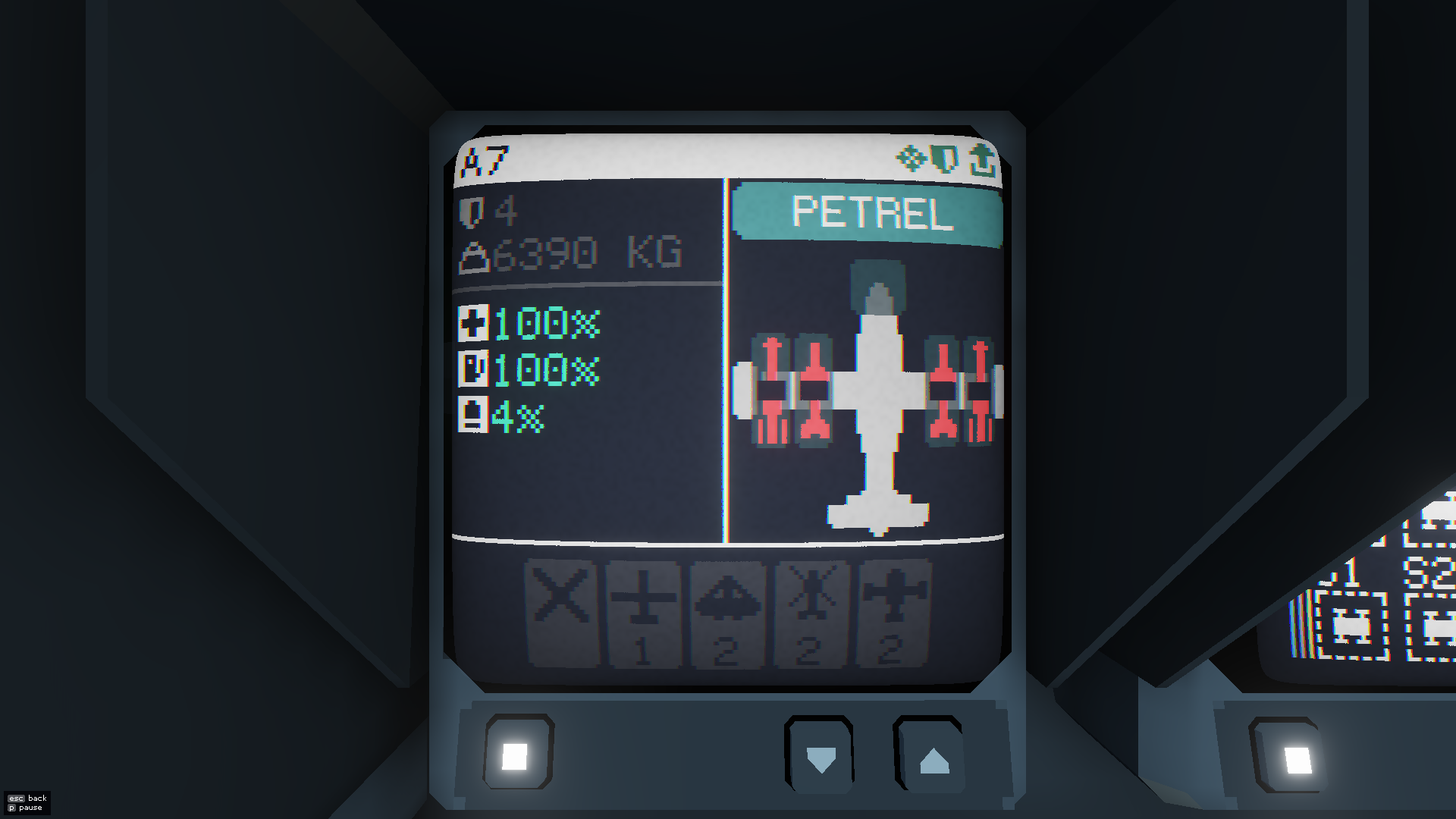
Over time we may add more presets, but there is only so much screen estate we can use here and only so many icons we can use to represent them.
For now, where added, the “Fuel” icon gives you an aircraft that is kitted out for air-to-air refuelling, the “Crosshair” for ground attack, the “Shield” for air defence, the “Flag” for virus bots, the “Unload” icon removes all attachments.
 CC2Maps.com