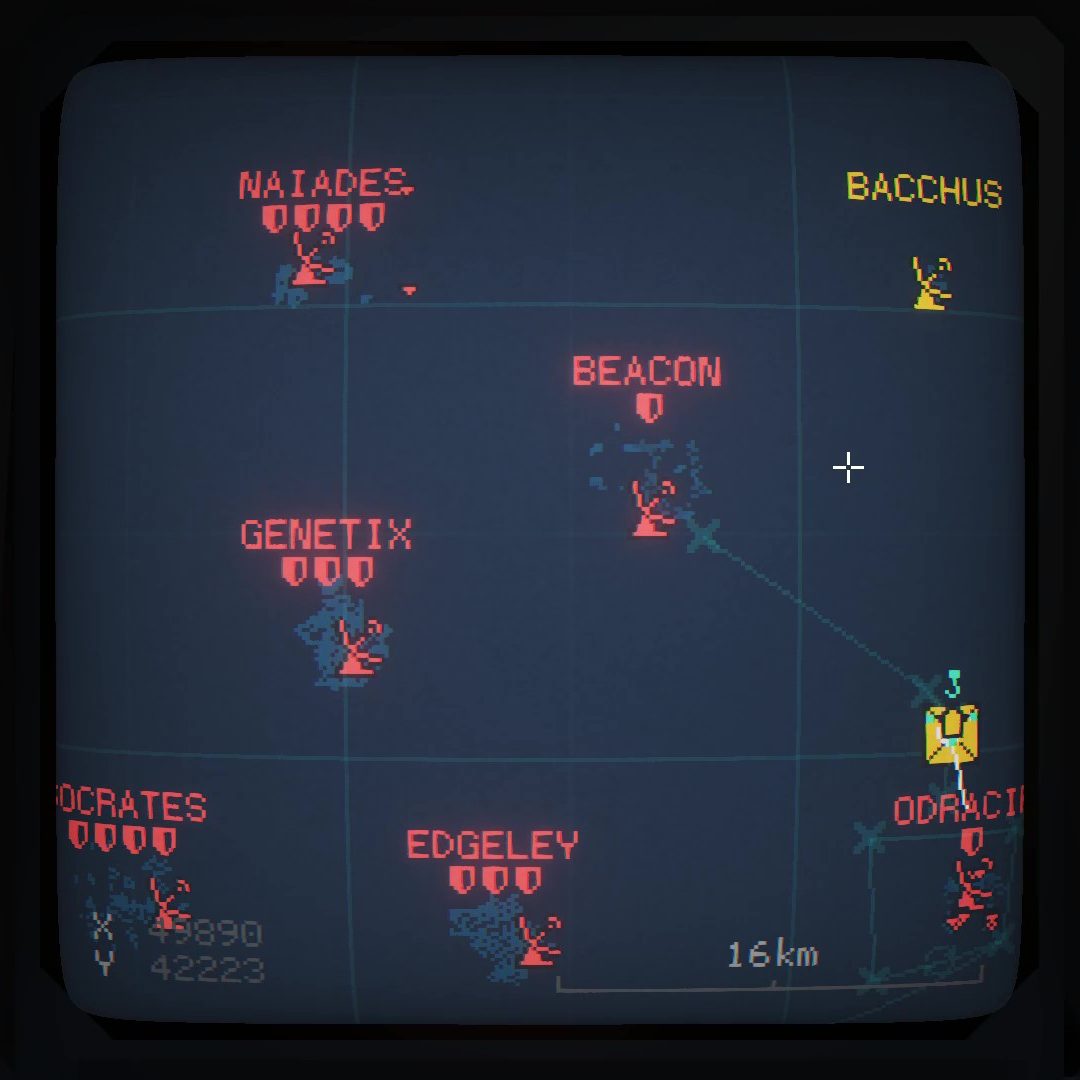

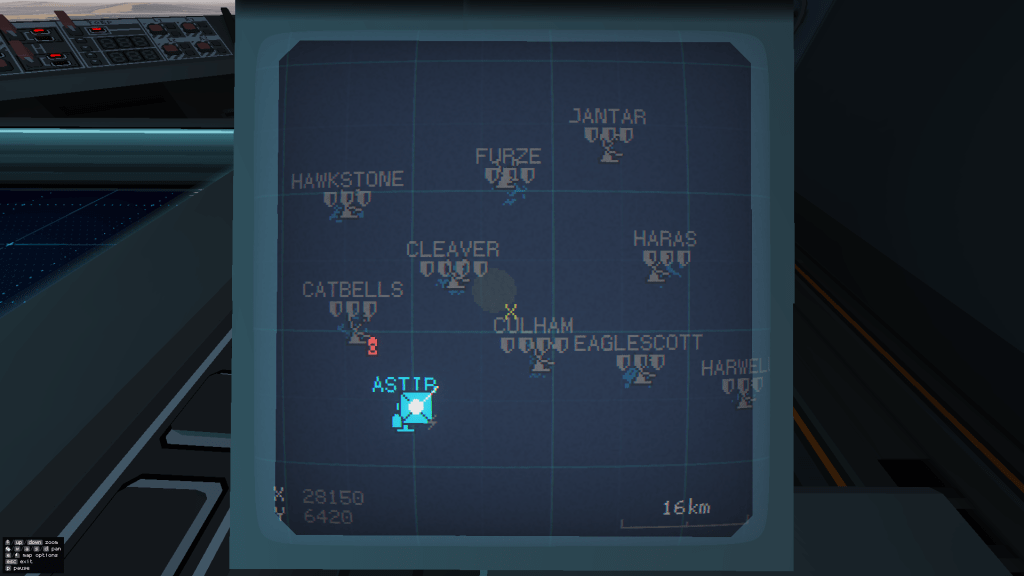
The captain is now able to use the holomap to place markers on the map for all control stations to see.
Starting with cartographic mode:
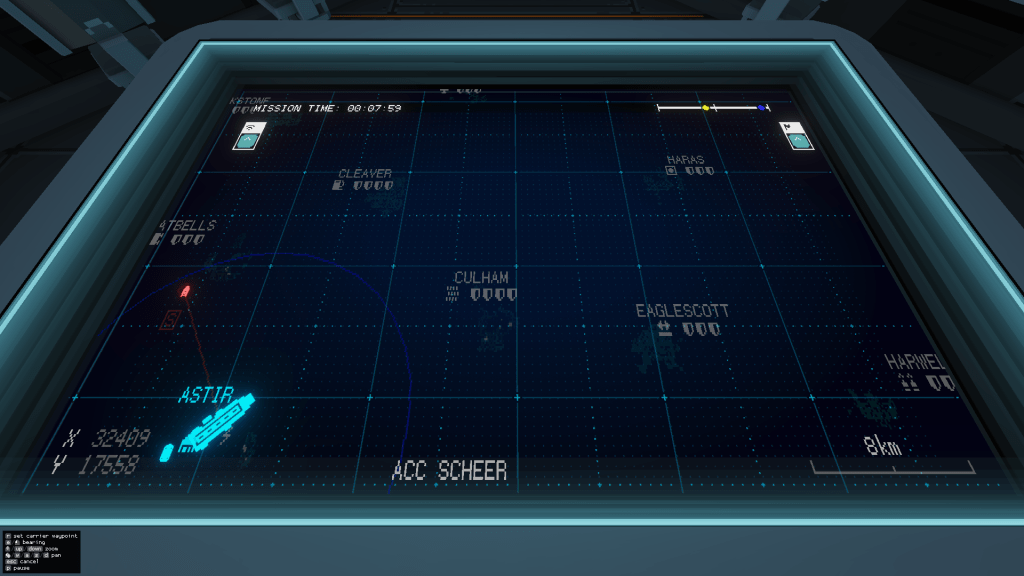
Open the toolbar in the top right corner
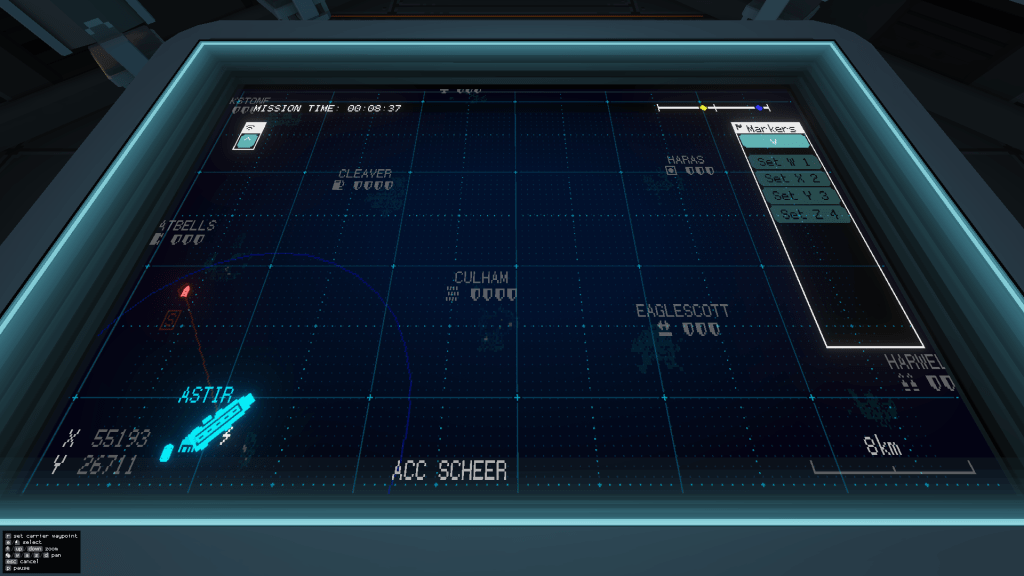
Click on one of the “Set” buttons, and then click on the map to place the marker.
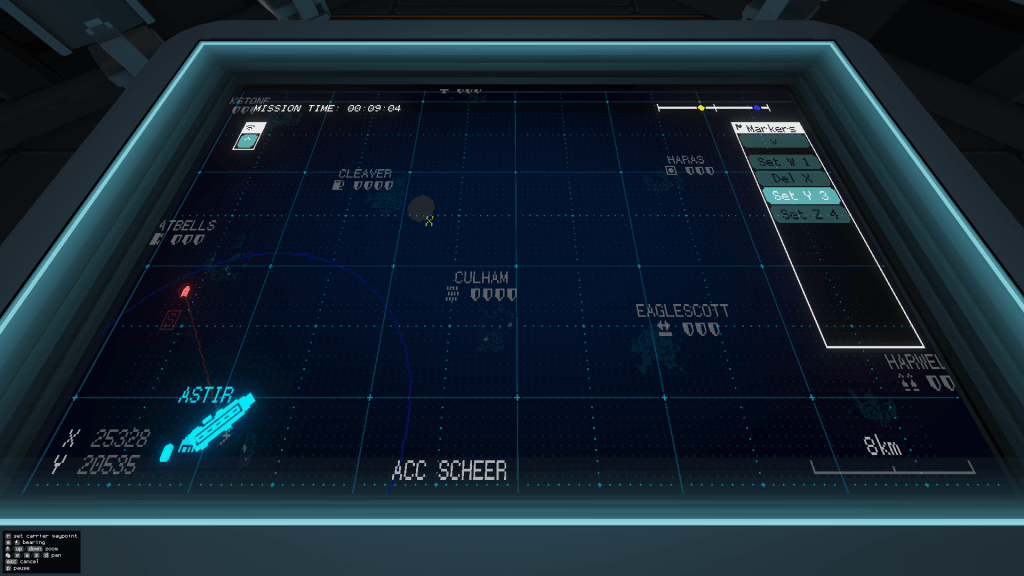
The marker will now be visible on control screens on all carriers in your team:
 CC2Maps.com