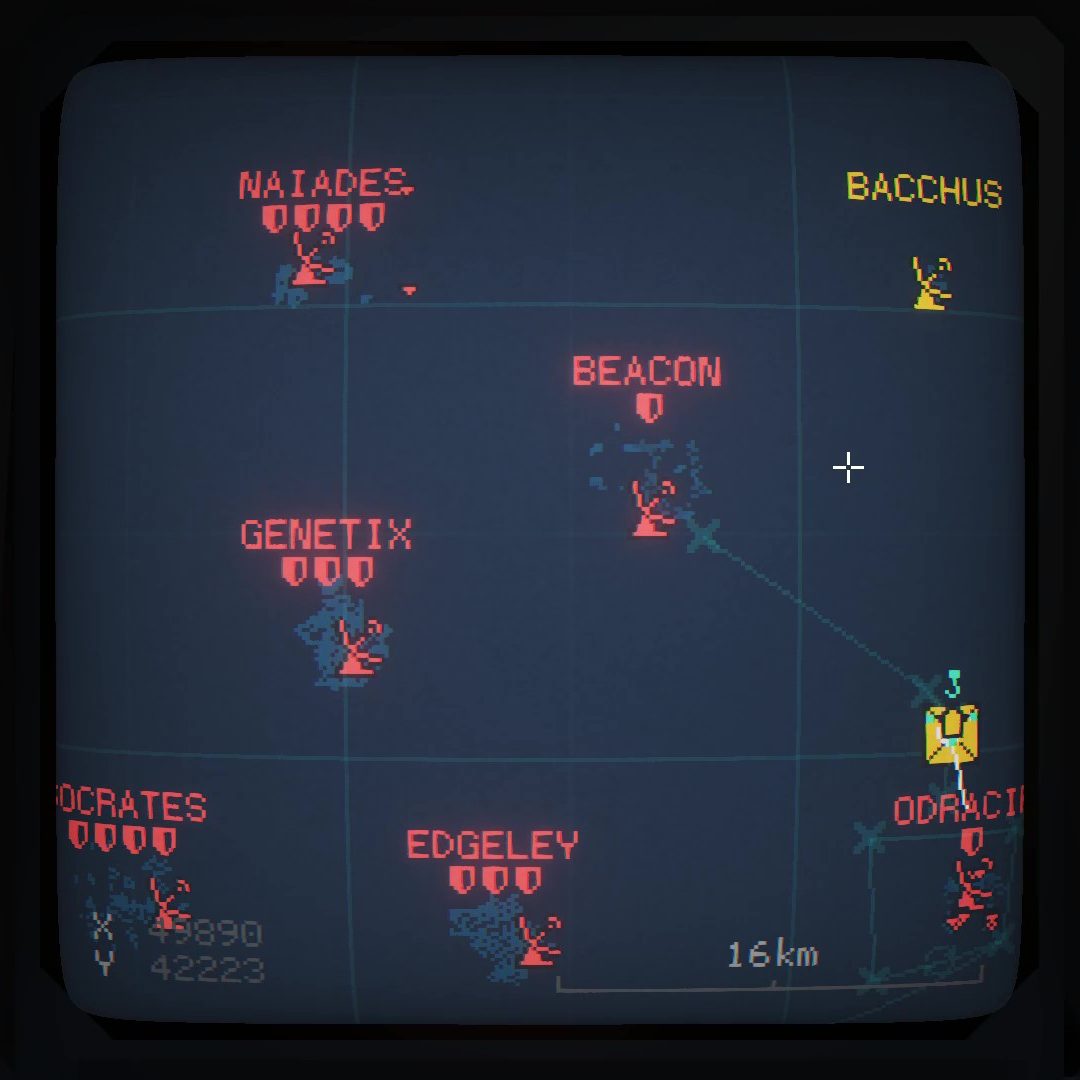

Revolution 1.6-6 is out now on the Steam Workshop for CC2
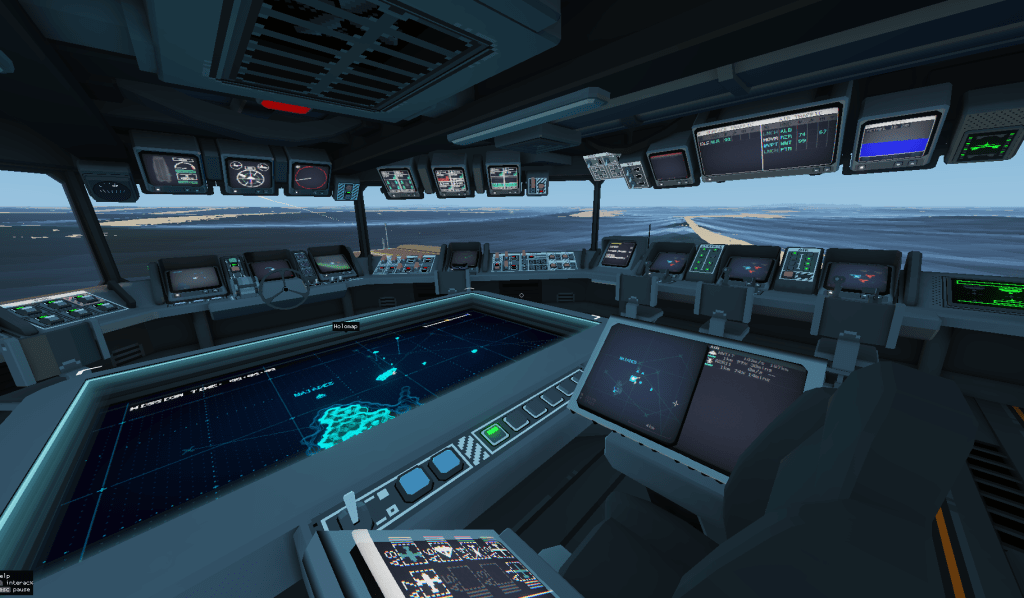
1.6-6 brings some subtle but useful quality-of-life changes for bridge screens.
Capt Sidebar
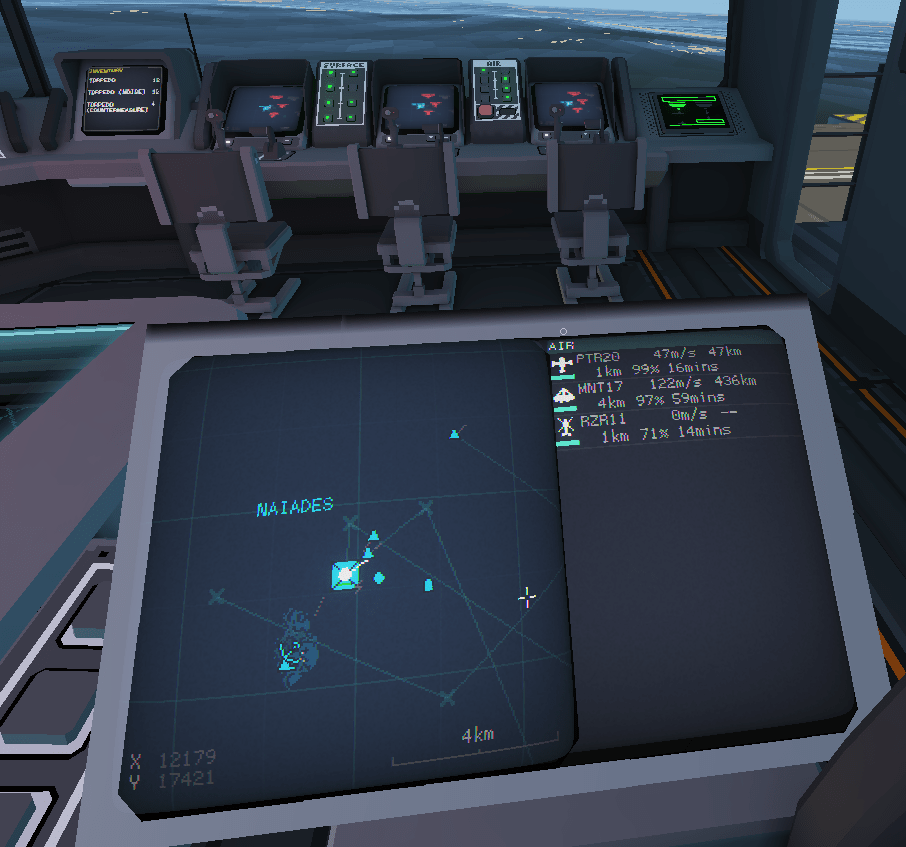
The first change you will notice is the captain’s station has changed. You are now shown a sidebar display of your active aircraft. For each aircraft you will see it’s ID, speed and range (row 1), distance from carrier, fuel % and flight time remaining (row 2)
You can hover over each using the mouse and see it highlighted:
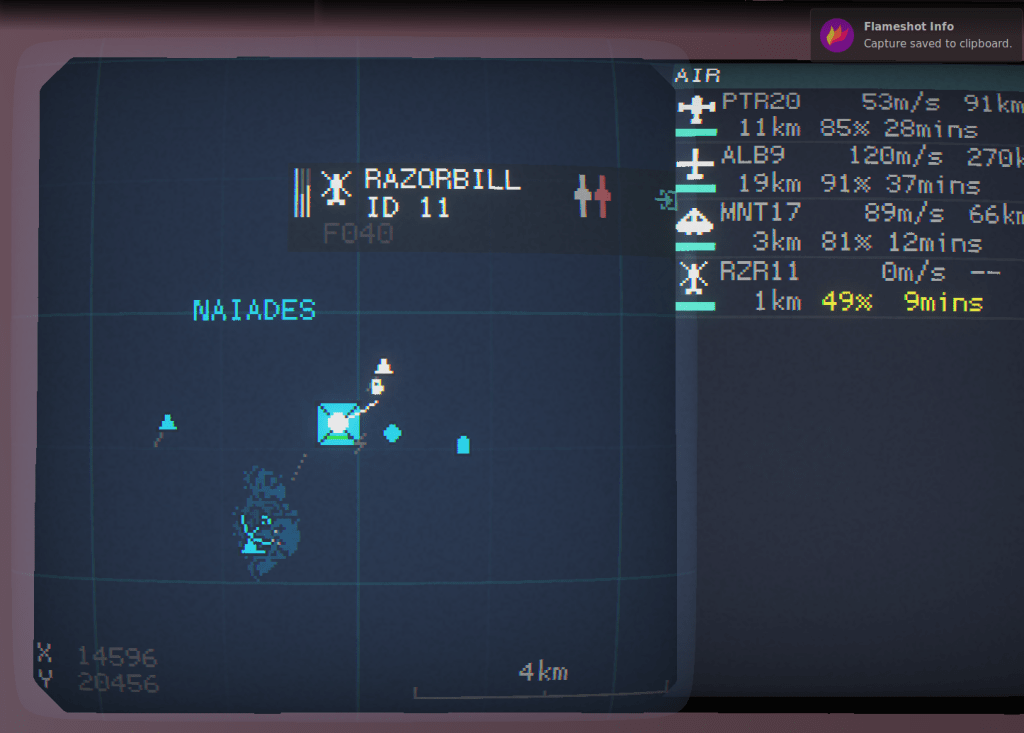
You can also click on each sidebar aircraft to centre the map on it.
Selected Unit display
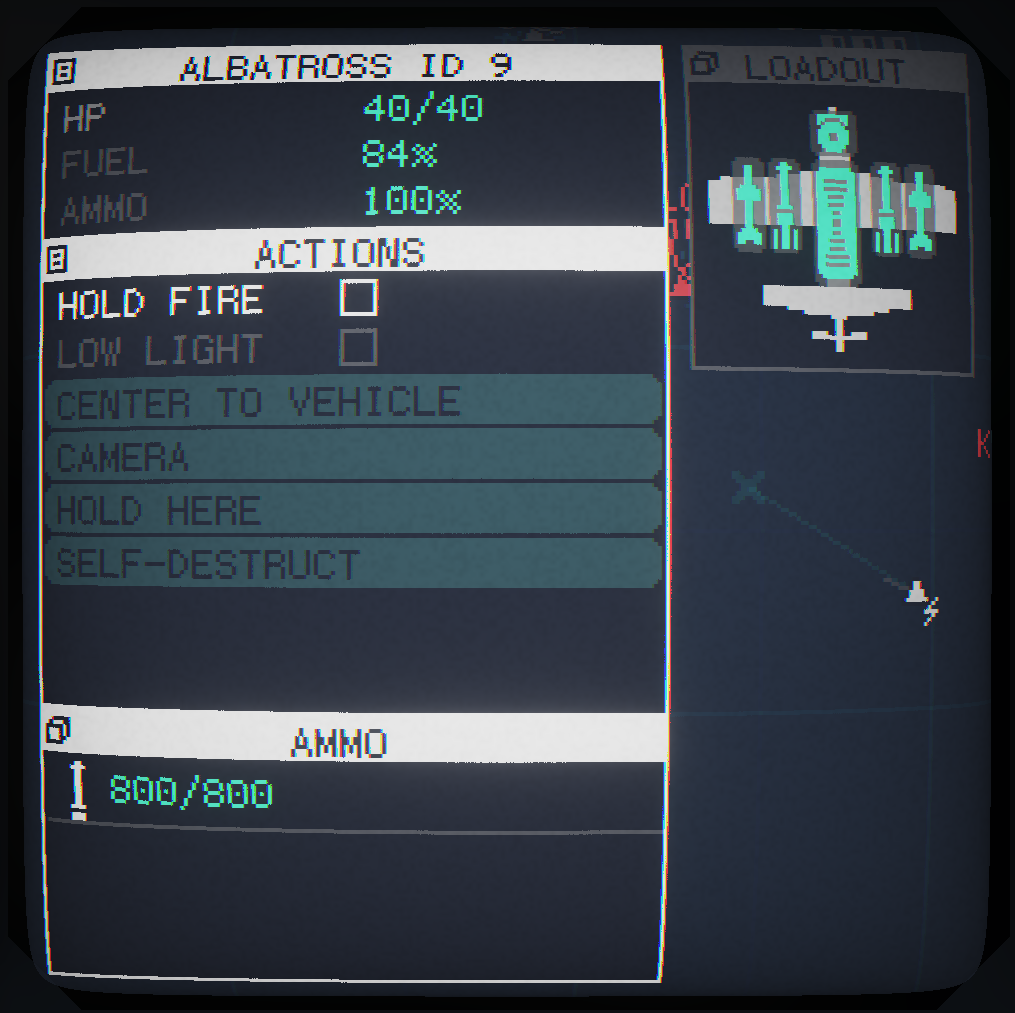
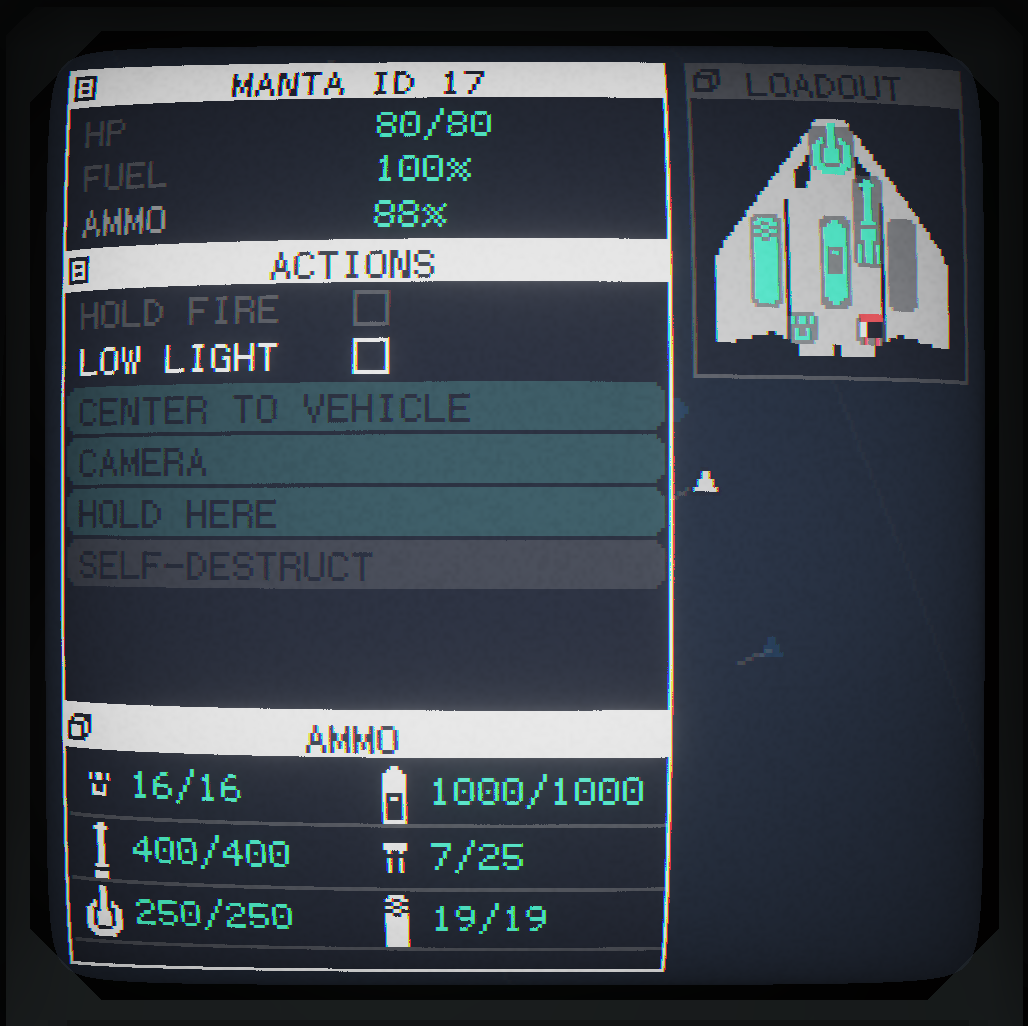
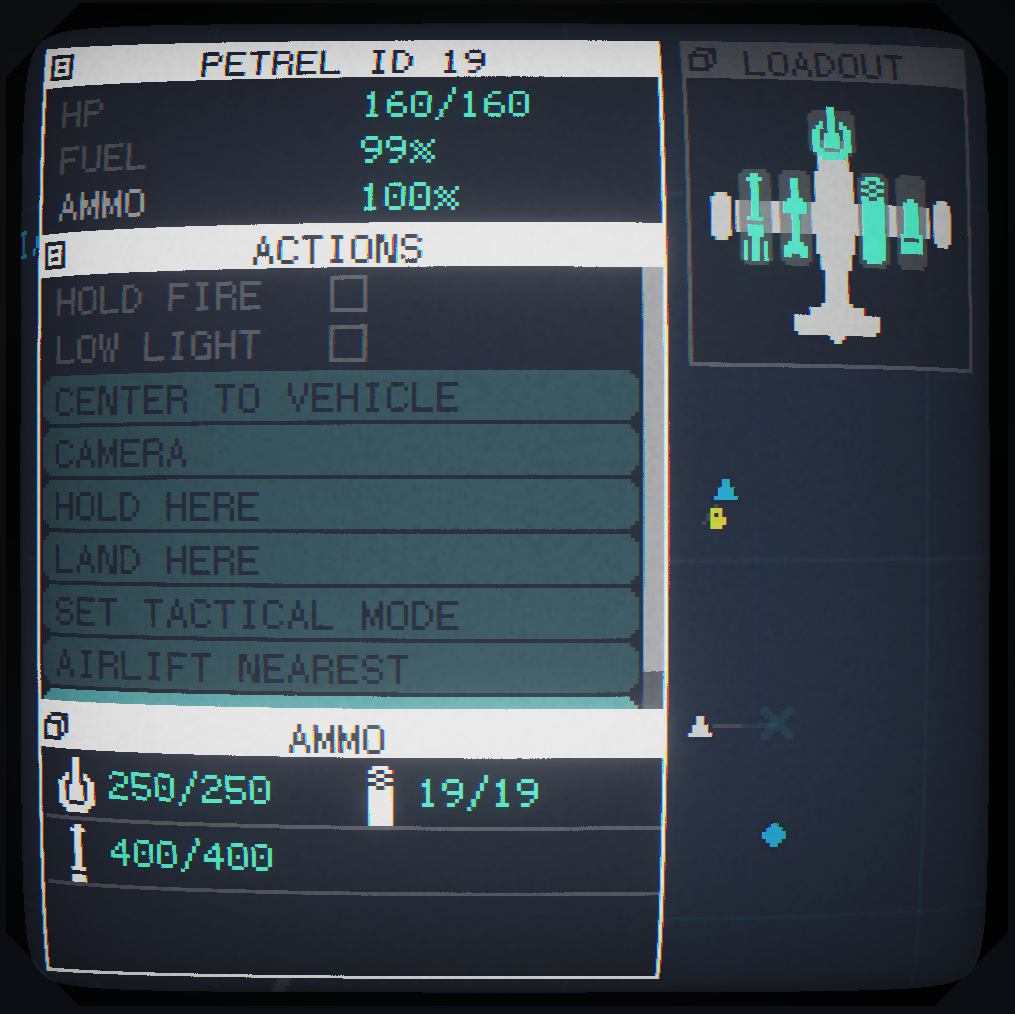
Now, when you select a unit, you will get a condensed display of the ammunition state at the bottom of the windows and an expanded middle section containing the unit action buttons.
Bombs, missiles and torpedoes are now omitted from the table as they are visually indicated in the unit graphic.
Waypoint Editing
You can now modify the altitude for all your waypoints in one go. Very handy if you’ve drawn a big route with the altitude at 400.
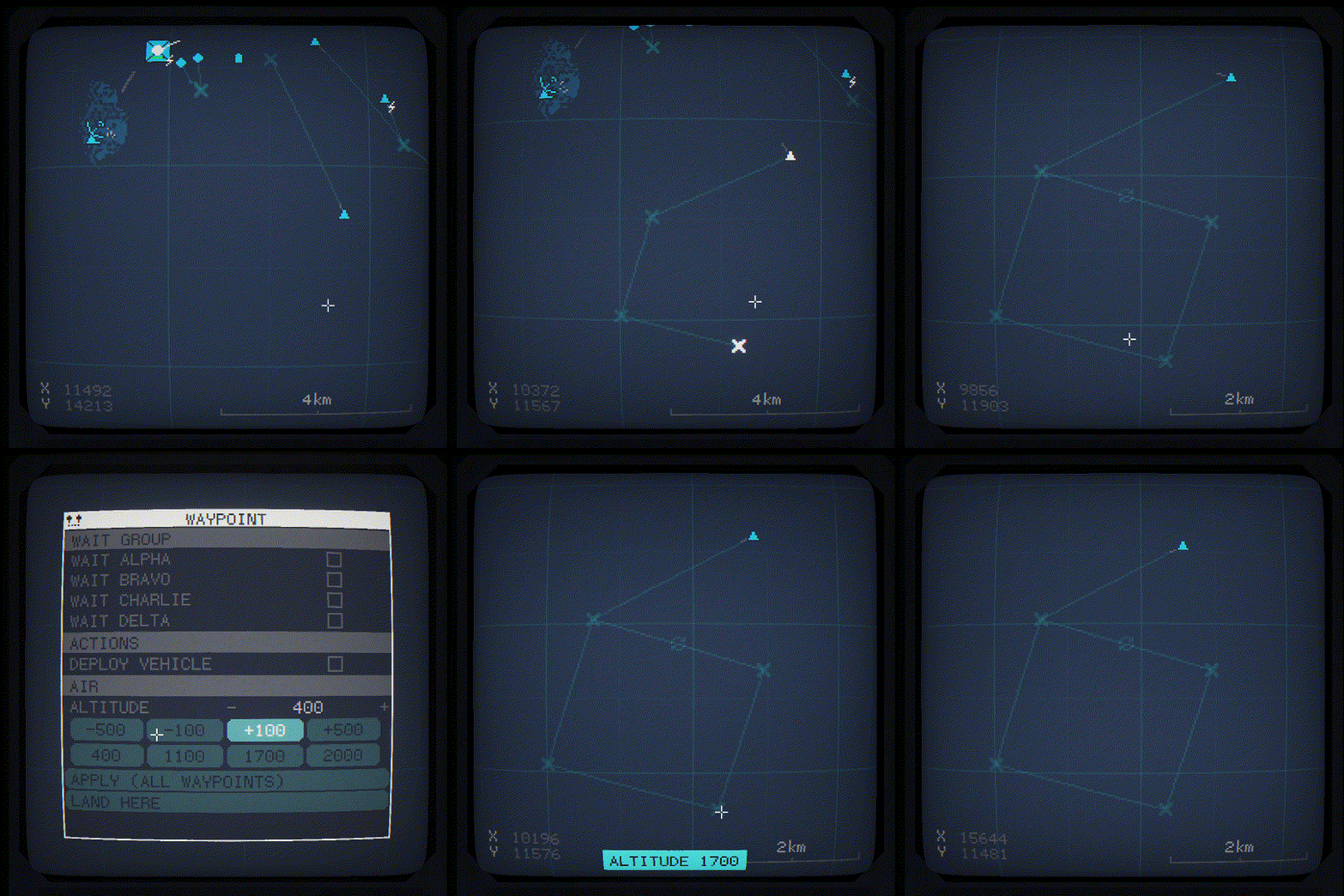
Simply click on one of the waypoints and edit the altitude and click APPLY.
Multi-Select Control
This one is a bit more experimental than the others. You can now drag a box to select multiple units by holding down the “interact a” (default R) key. Once selected you can change the lights settings for the group of units or plot a route for all of them to follow.
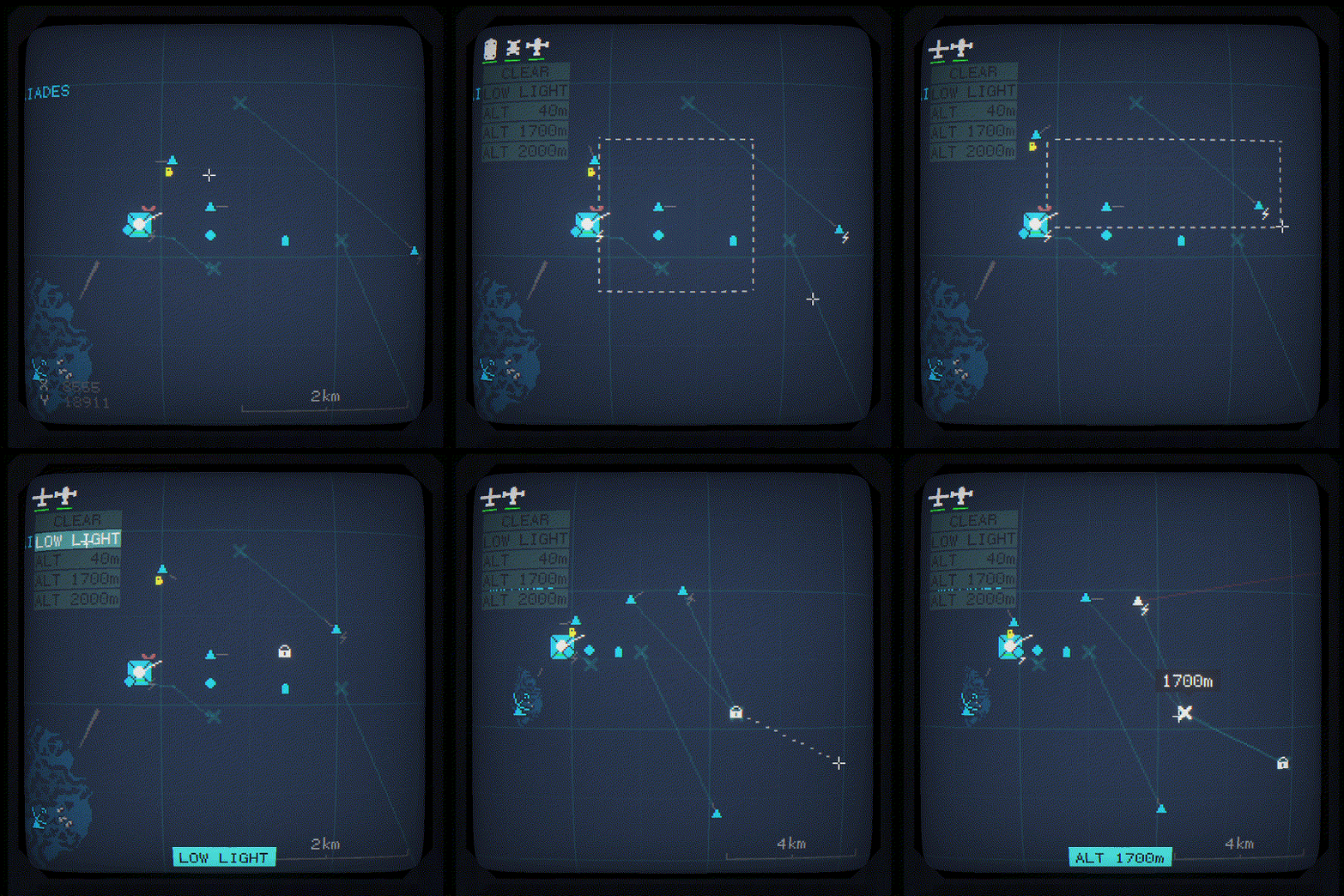
If you select any aircraft, you can set them all to fly at different altitudes by clicking the ALT buttons. This may be buggy so feedback is welcome
Enjoy!
 CC2Maps.com